Stop guessing what to learn next in Excel...
Find Your Real Excel Skill Level in About 20 Minutes
Take a 15-question skill check and get your level, from Starter to Power user
Get your next 8 Excel skills, in the right order
Get a weekly practice plan that fits your time
Know when you’ve levelled up, with 3 clear signs

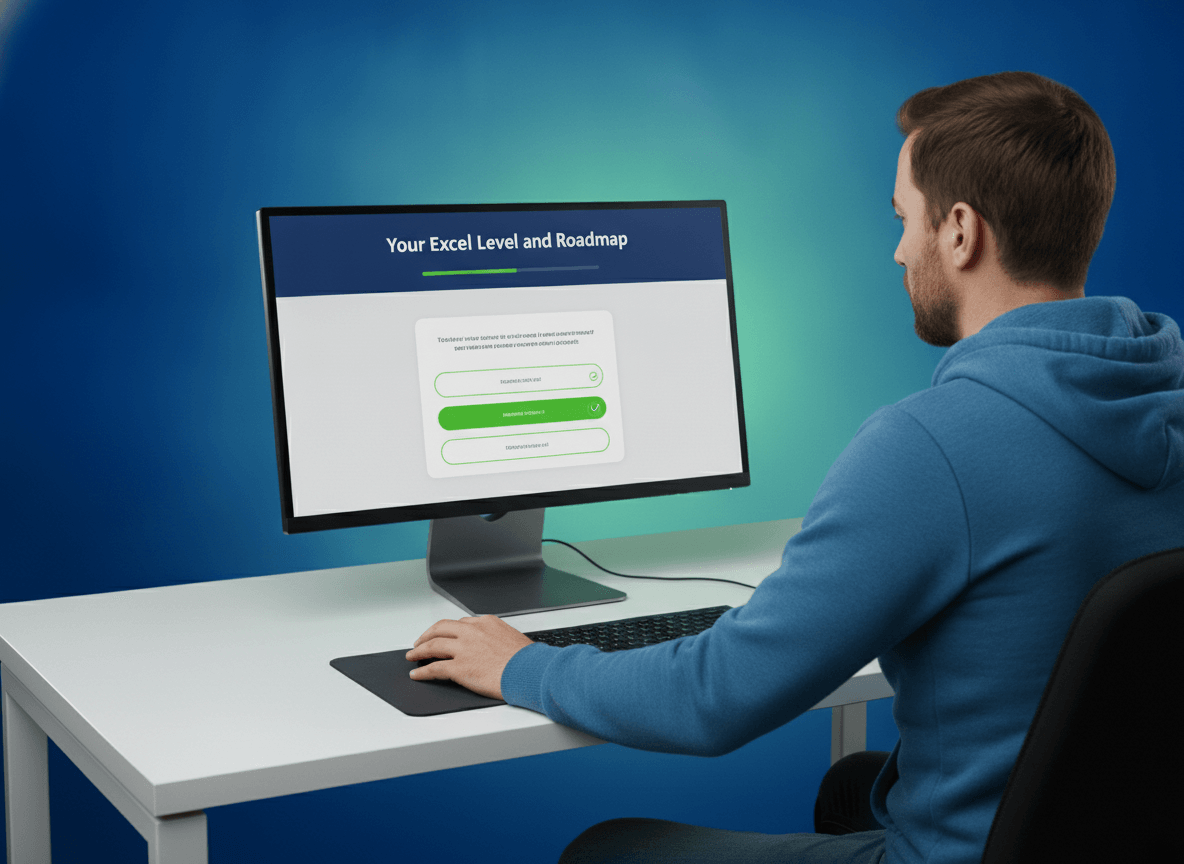
Your level, your roadmap, your plan
Answer 15 quick questions about everyday Excel jobs. You’ll see your level straight away, and finish with a roadmap and a plan you can start this week.

The skill check
15 questions that get harder as you go. After each answer you see why the right one works, so you learn while you’re being tested.

Your roadmap
The next 8 skills for your level, in a sensible order. Tick each one off when you can do it without help, and your progress is saved.

Your practice plan
Pick 10 minutes a day, 30 minutes three times a week, or an hour at the weekend. Your plan names the next skill to learn.
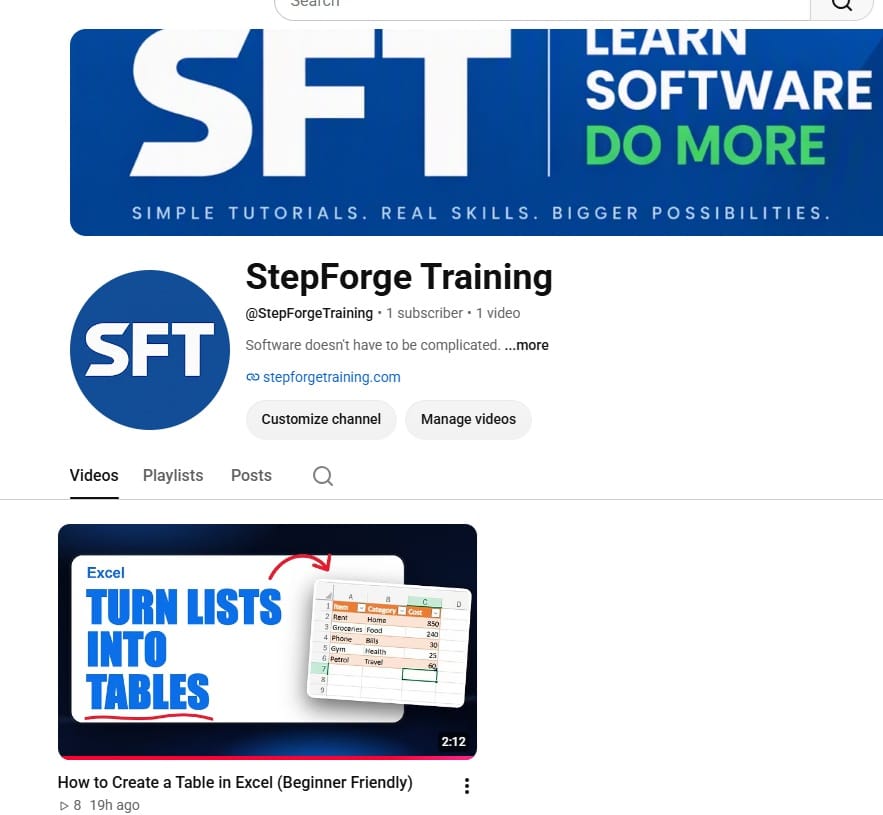
Your free guidance supplied by...
StepForge Training on YouTube
StepForge Training creates practical software learning resources that help people build real-world skills through clear, structured guidance. We break complex tools into straightforward steps that beginners can follow with confidence.
We make checklists, guides, templates and tutorials to help you get productive faster. We built the Excel Level and Roadmap so you can see where you stand, focus on the skills that matter most for your level, and track your progress as you go.
Come visit us on YouTube for more free, helpful videos and resources, from beginner to advanced
Know your next 8 Excel skills
In about 20 minutes you’ll know your Excel level, any gaps to fill, and the next 8 skills to learn in order. You also get a weekly plan to make them stick.
CTA button: Start my skill check
Frequently Asked Questions
Before You Start
About 20 minutes, and most of that is the 15 questions. Your progress saves, so you can stop and come back.
Neither. It’s an interactive skill check that opens in your browser and works straight away. You click your answers and your results appear on the page.
Yes. Every question has an “I’m not sure” answer, and there’s a full roadmap for Starters. It works for beginners and advanced users alike.
Yes. You can print your results or save them as a PDF. Your answers stay on your device and aren’t sent anywhere.
Yes. When you enter your email, you also join our email list. You can unsubscribe at any time.

Find out your real Excel level
We HATE spam. Your email address is 100% secure